
Adapted from the 1 November 2026 edition of Ultimate Website Advisor, by Robert Millar.
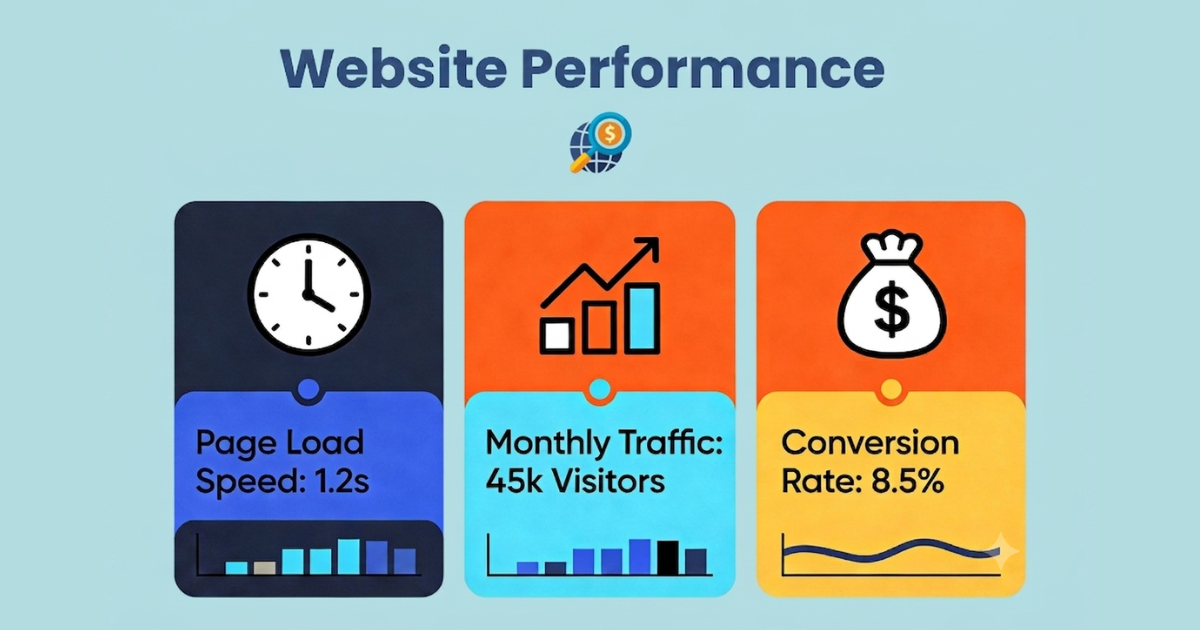
The featured illustration uses example figures, not measured client results.
People can arrive at the same website with very different questions. An individual looking for help with a tax return needs different information from a business owner comparing bookkeeping services. A homepage that tries to answer both audiences at once can make it harder for either to find the next step.
Website personalization means making the content relevant to the visitor’s needs or context. You can begin with dedicated pages and clear navigation, then test more tailored content where it serves a useful purpose. These five approaches provide a practical starting point.
Key Takeaways
- Give different customer groups clear routes to information that answers their questions.
- Match landing-page language, examples and calls to action to the audience and campaign.
- Use authentic, relevant testimonials without promising the same results for every visitor.
- Start with a limited change and measure completed enquiries or bookings before expanding it.
1. Create industry-specific landing pages
Identify the customer groups or industries you serve most often. Rather than sending every campaign to your homepage, create dedicated landing pages for the groups with distinct needs. A marketing consultancy might have separate pages for restaurants, dental practices and e-commerce brands.
Each page should explain the relevant service, use language the audience recognises and answer its common questions. Include genuine examples where you have them. Avoid creating several near-identical pages with only the industry name changed: each page needs useful information specific to that audience.
2. Match content to the traffic source
The message that brings someone to your website should connect with what they see when they arrive. A person following a LinkedIn post about business services may need a different introduction from someone clicking an Instagram promotion for a consumer offer.
A dedicated campaign landing page is one way to provide that continuity. More advanced setups can use campaign parameters to select a headline, testimonial or call to action. Define the matching rules carefully, test the links and keep a useful default version for visitors whose source is unknown. The purpose is to help people find relevant information, not to assume you know everything about them from a single click.
3. Show relevant testimonials and examples
Organise existing testimonials and case studies by industry, service or customer need. Then place the most relevant ones alongside the service they help explain. Someone considering bookkeeping for a small business is more likely to find a detailed bookkeeping example useful than an unrelated review of individual tax-return support.
Keep reviews authentic and preserve their meaning. Describe the actual work and any supported outcome. A testimonial is an example of one client’s experience, not a promise of the same result for everyone.
4. Use your customers’ vocabulary
Different audiences may describe a similar need in different words. A retailer might talk about customer retention, while a healthcare practice discusses patient loyalty. Review customer questions, enquiries and the terms used in each sector before deciding how to name a page or describe a service.
Use that research to write clear headings, service explanations and FAQs. Explain what you provide in terms the intended reader understands. This also gives search engines and AI tools clearer context, but it does not guarantee rankings or inclusion in an AI-generated answer. Our guide to SEO, AEO and GEO explains the distinction.
5. Build reusable content modules
You do not need a separate website for every customer segment. A shared page structure can hold different introductions, images, examples, FAQs and calls to action. Reusable components make it easier to keep the design consistent while changing the information each audience needs.
Keep shared service facts in sync across the pages. When your offer changes, review each variation so that visitors receive accurate information regardless of their route into the website. Add new variations only when the differences between audiences justify the extra content to maintain.
Measure what changes
Choose a specific audience, a page and a useful outcome before you begin. Record the current number of relevant visits and completed enquiries or bookings, then assess the revised experience over a suitable period. Engagement measures can help you investigate behaviour, but they do not by themselves show that a change has helped the business.
Avoid treating a reported conversion improvement elsewhere as a forecast for your own website. The result depends on the audience, offer, traffic and implementation. Start with one clear improvement, check whether visitors can use it and expand based on what you learn.
Ask Robert: One firm, two audiences
Question: I run a small accounting firm serving individual tax clients and small business owners who need bookkeeping. Our homepage tries to speak to both audiences, but it does not seem to connect with either. Is it worth creating separate experiences?
Answer: These audiences have different questions, so giving each a clear route is a sensible place to start. Individual tax clients may want to understand the tax-return process, what documents to provide and what the service costs. Business owners may be looking for ongoing bookkeeping, cash-flow information and experience with businesses like theirs.
You can keep one website and use the homepage to direct visitors to two dedicated service pages. Give each page relevant explanations, examples and a clear enquiry option. Review how each audience currently finds you before deciding whether dynamic content is needed. Start with those distinct pathways, measure the enquiries they generate and use the findings to decide what to improve next.
Choose your first improvement
Pick two customer groups with clearly different needs and check whether your website helps each find the right service. If you need help identifying priorities, Get a full Website Growth Roadmap.